Redeem Your AnyCard
Follow these easy steps to sign in and redeem your AnyCard for eGifts from top brands.
Please select your card type for redemption instructions
QR- Enabled Physical Card with Card ID
- Step 1 : Scan the QR code under the pull tab and click the link.
- Step 2 : Sign up or log in to your AnyCard account. Your balance will update automatically—no card number or PIN required!
- Step 3 : Select "Swap" to exchange your balance for an eGift (or even multiple cards!) of your choice.
Classic Physical Card with Card Number and PIN
- Step 1 : Sign up or log in to your existing AnyCard account.
- Step 2 : Select “Add New Card” to deposit your AnyCard.
- Step 3 : Select "Swap" to exchange your balance for an eGift (or even multiple cards!) of your choice.
Digital eGift Card
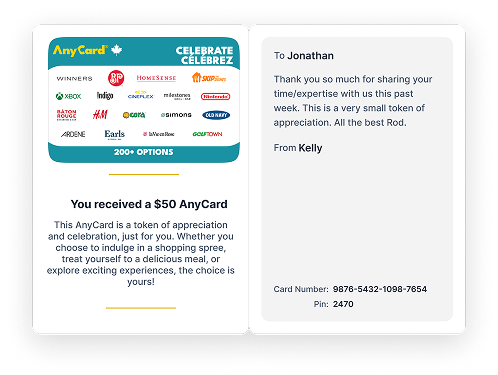
- Step 1 : Select 'Exchange Now' on your Digital eGift card.
- Step 2 : Sign up or log in to your existing AnyCard account — Your balance will update automatically!
- Step 3 : Select 'Swap' to exchange your balance for an eGift (or even multiple eGifts!) of your choice.
Important information
*Denominations vary by brand and are subject to availability.
Select brands have preset denominations only. Most brands have minimum denominations of $5.
Maximum Swap limit of $2,500 per day. Please refer to https://anycard.ca/info/legal for our full terms and condition
 Google